
Loyalty Points Program
Shop
Earn Points
Accumulate
Redeem
Try It Yourself
Demo Instructions
Email: [email protected]
Password: 12345678
Click the "Add to Cart" button on the product shown below.
Proceed to checkout to see the loyalty points section.
Go to CheckoutAt checkout, you will see your available points and can apply them to reduce the order total.
The checkout page also shows how many points you will earn when the order is completed.

Screenshots
See the Loyalty Points plugin in action
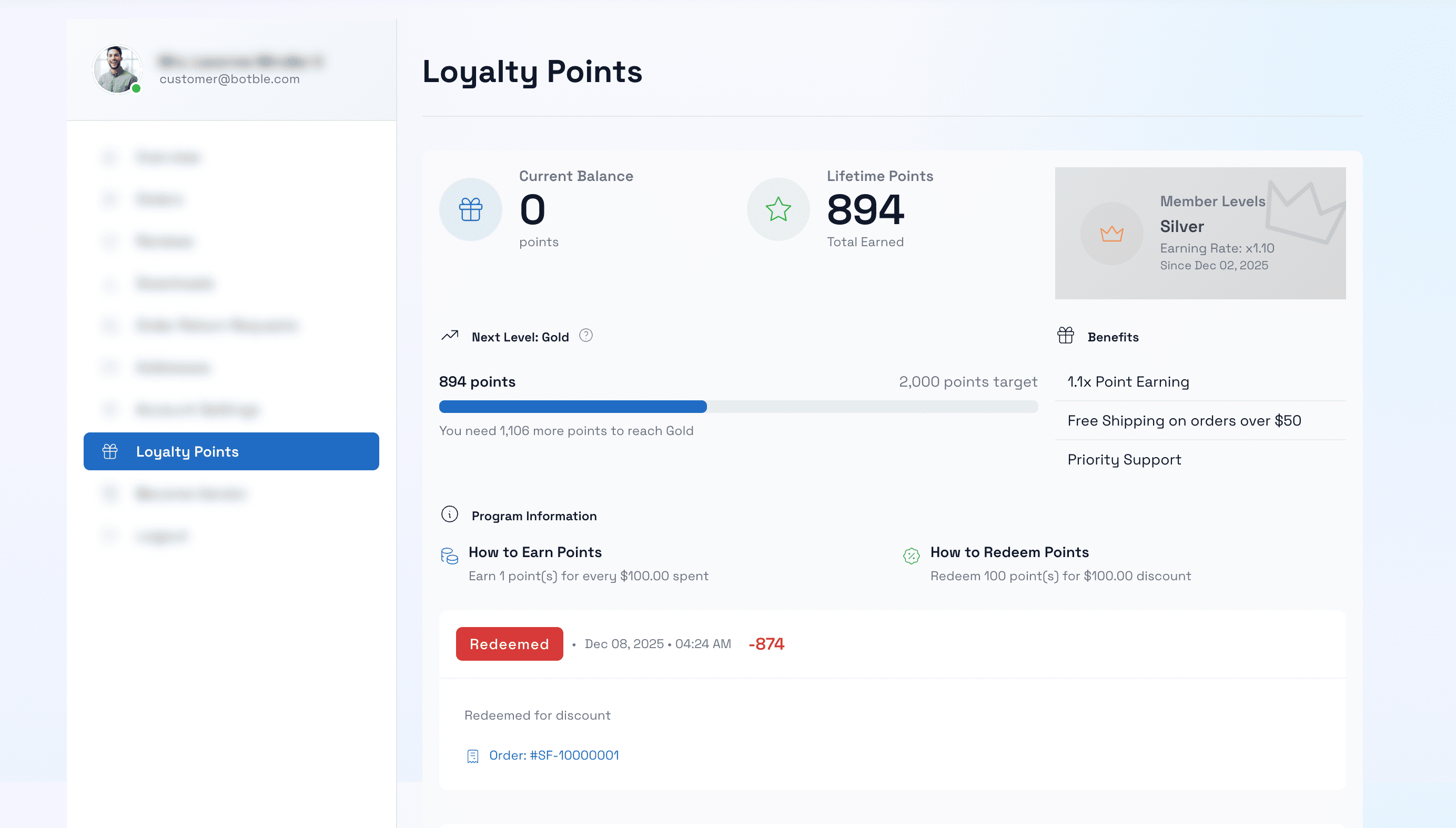
Customer Dashboard
Customers can view their points balance, tier status, benefits, and complete transaction history in their account dashboard.
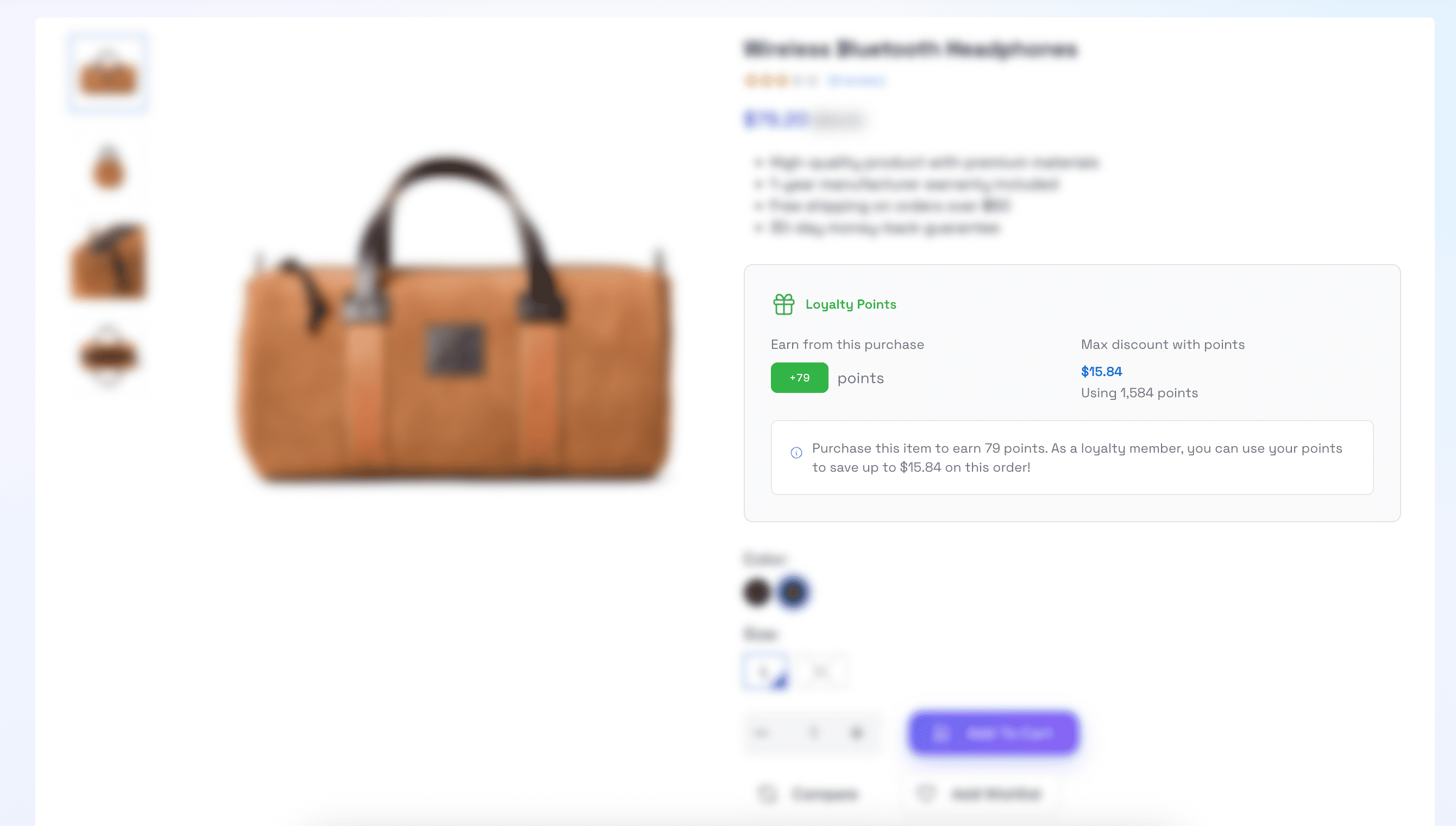
Product Detail Page
Customers can see how many points they will earn when purchasing a product directly on the product detail page.
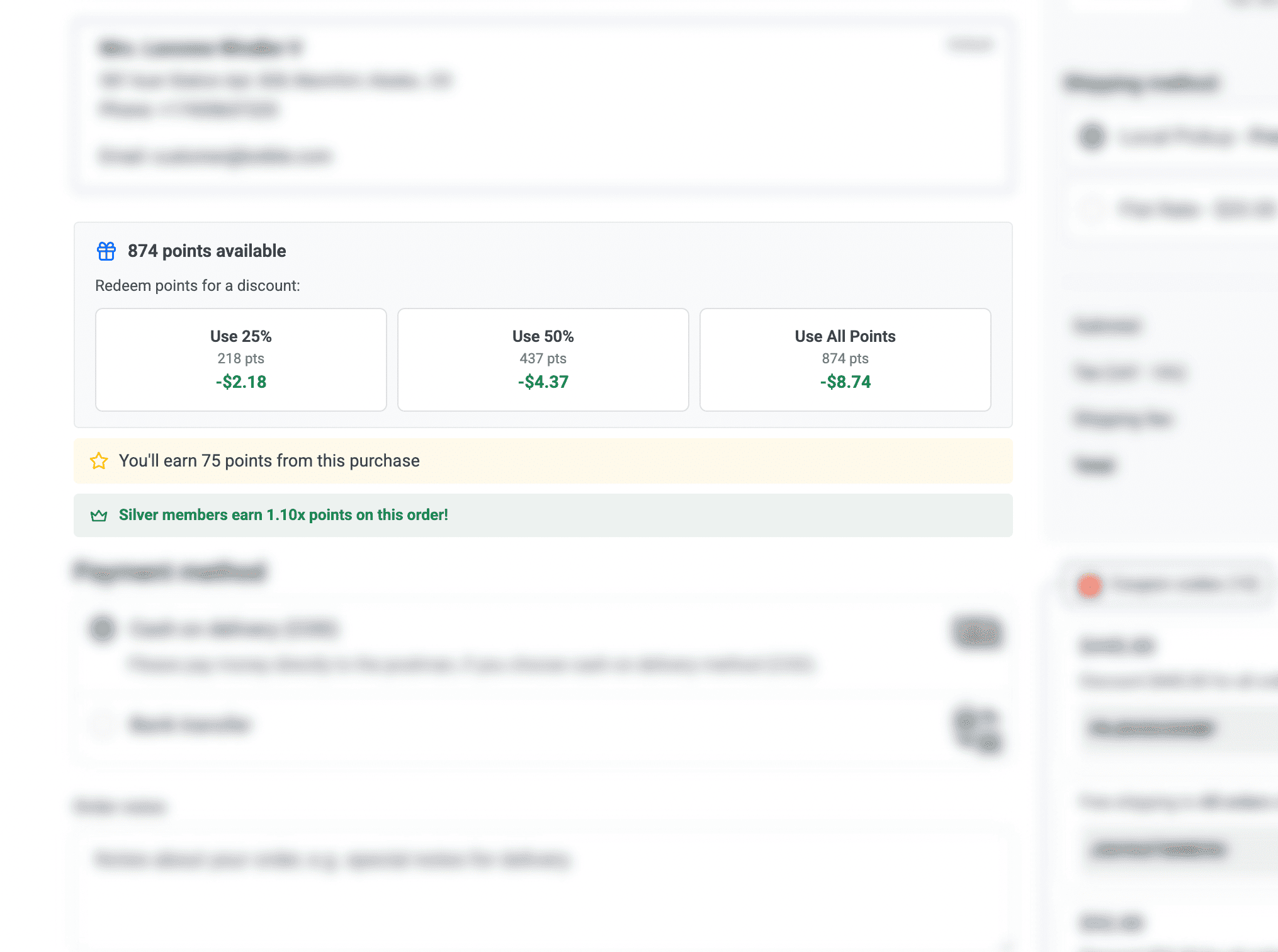
Redeem Points at Checkout
Customers can easily redeem their points at checkout with preset buttons (25%, 50%, 100%) or enter a custom amount.
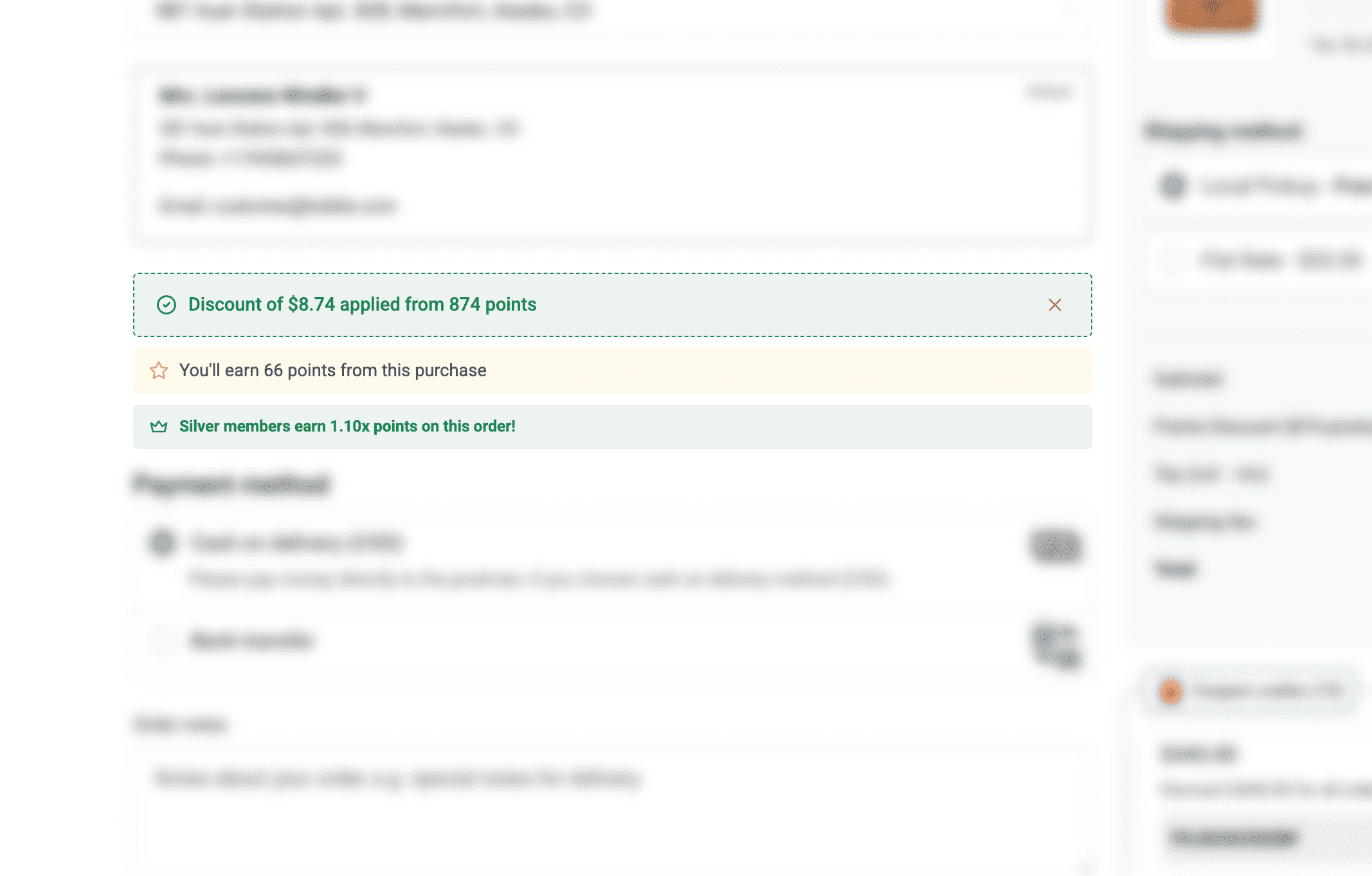
Points Applied & Discounted
See exactly how many points are applied and the discount amount reflected in the order total.
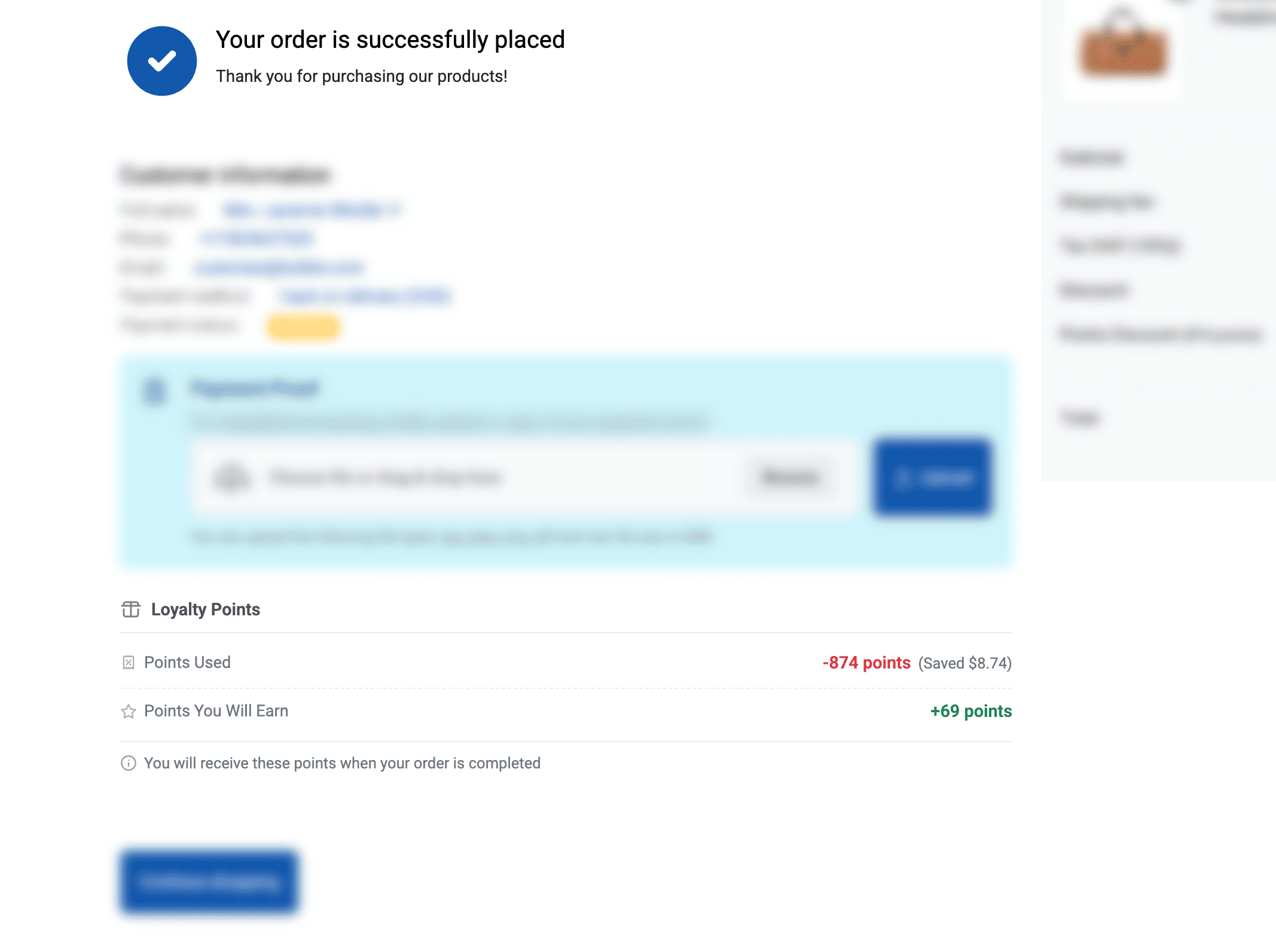
Checkout Success Page
After successful checkout, customers see points used and points they will earn from the order.
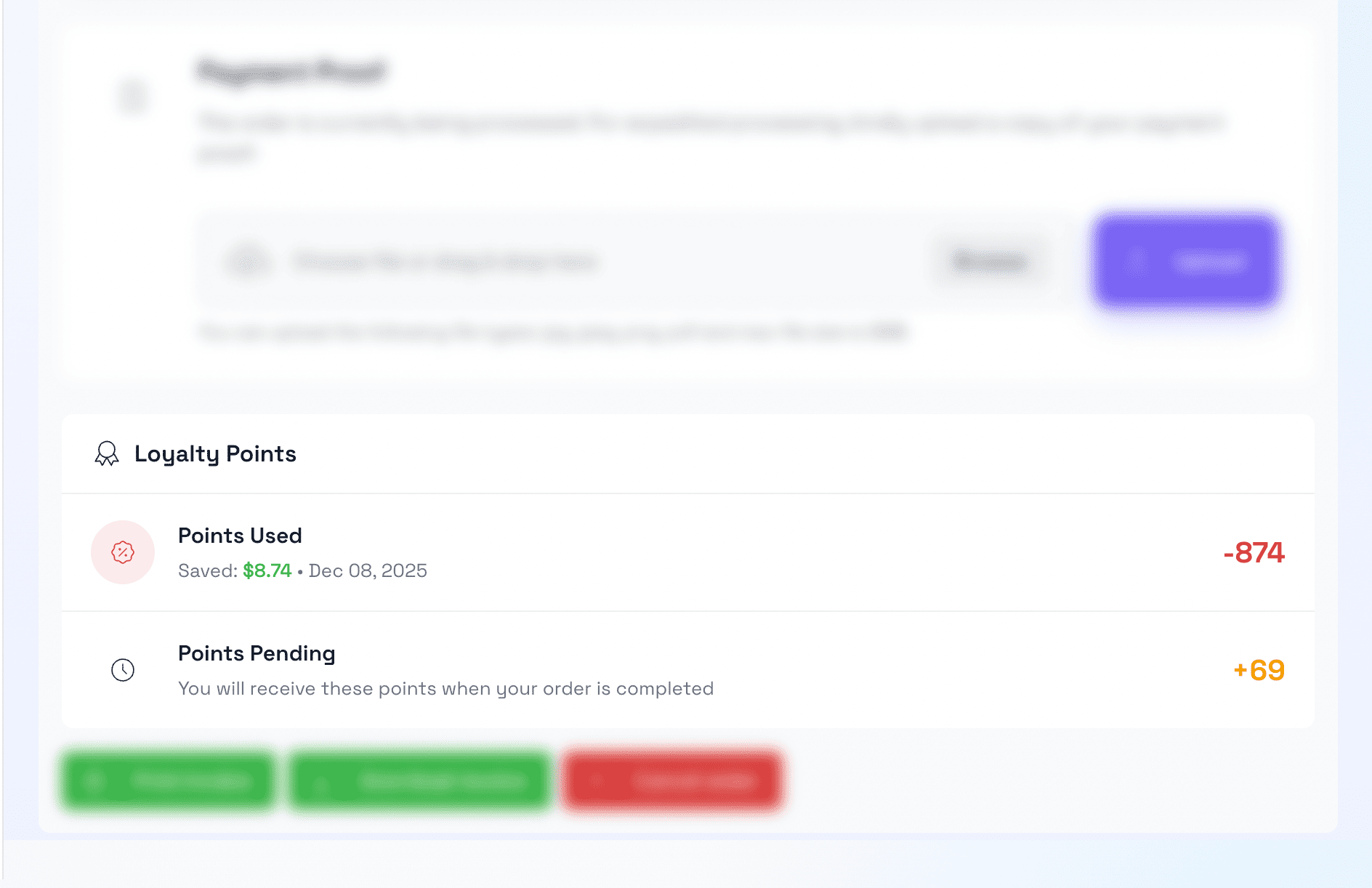
Customer Order Detail
Points information displayed in customer order detail page with earned/pending status.
Admin Panel
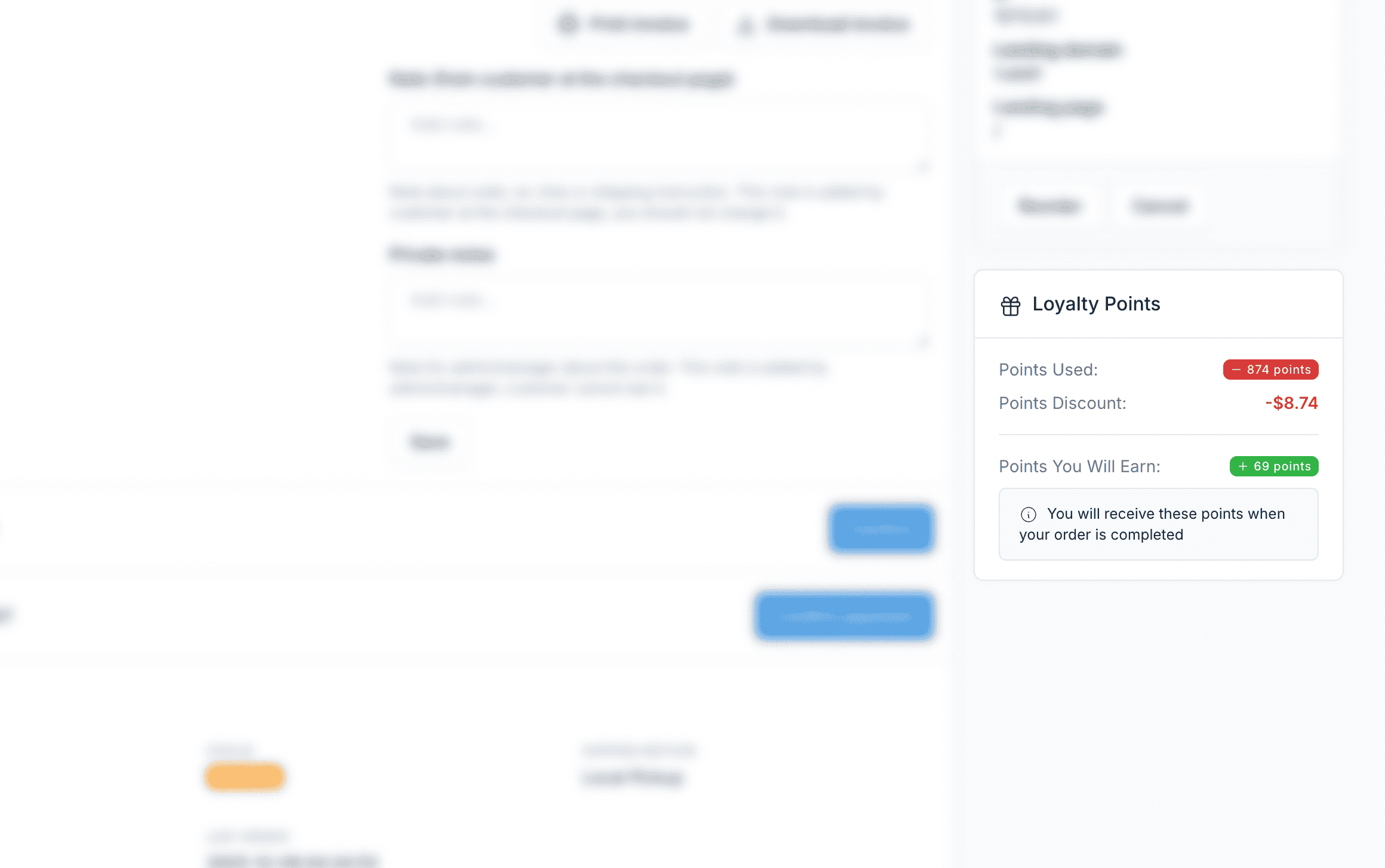
Admin Order Detail
Administrators can view loyalty points information for each order in the admin panel.
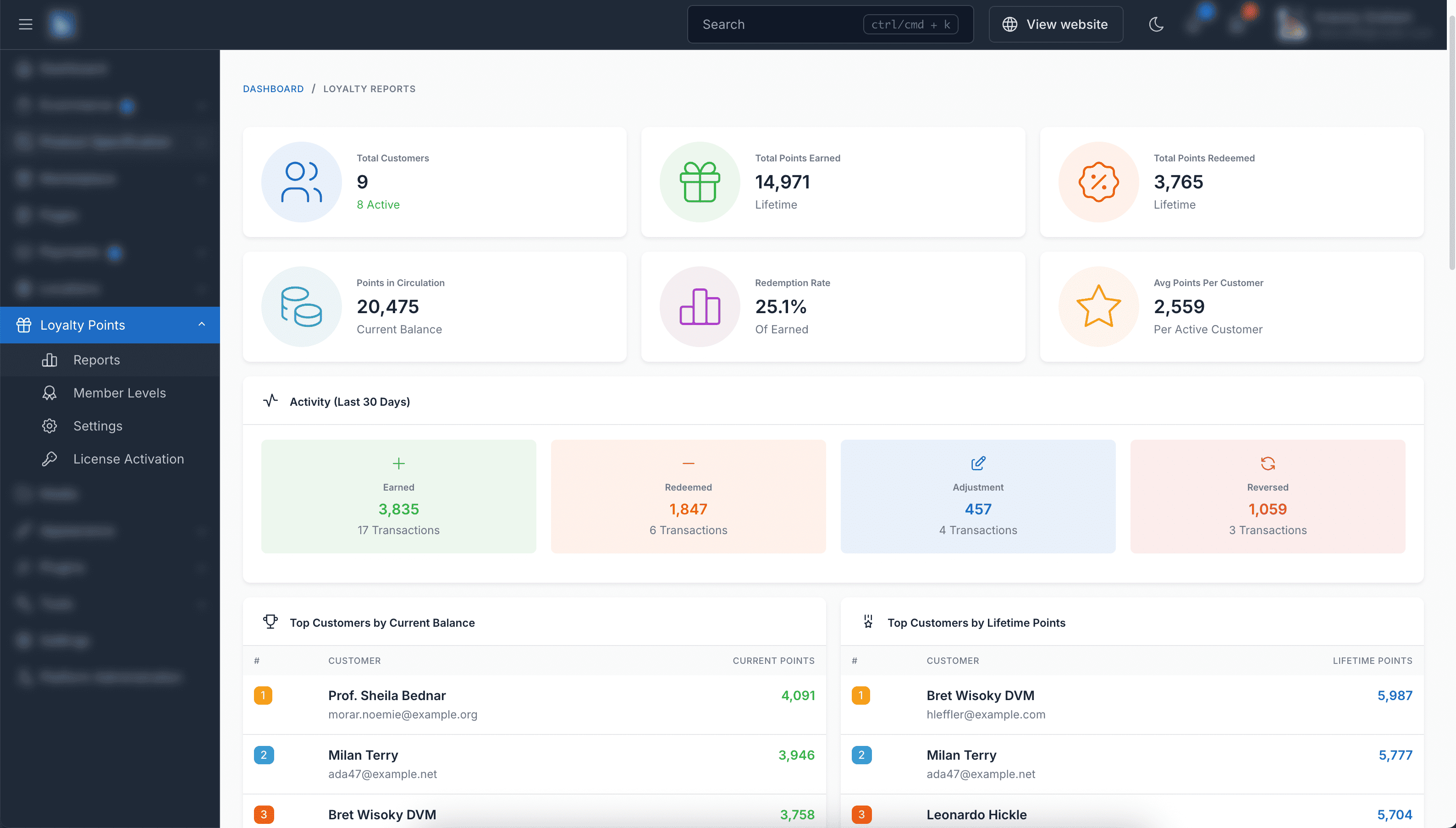
Reports & Analytics
Comprehensive reports showing points earned, redeemed, and customer engagement metrics.
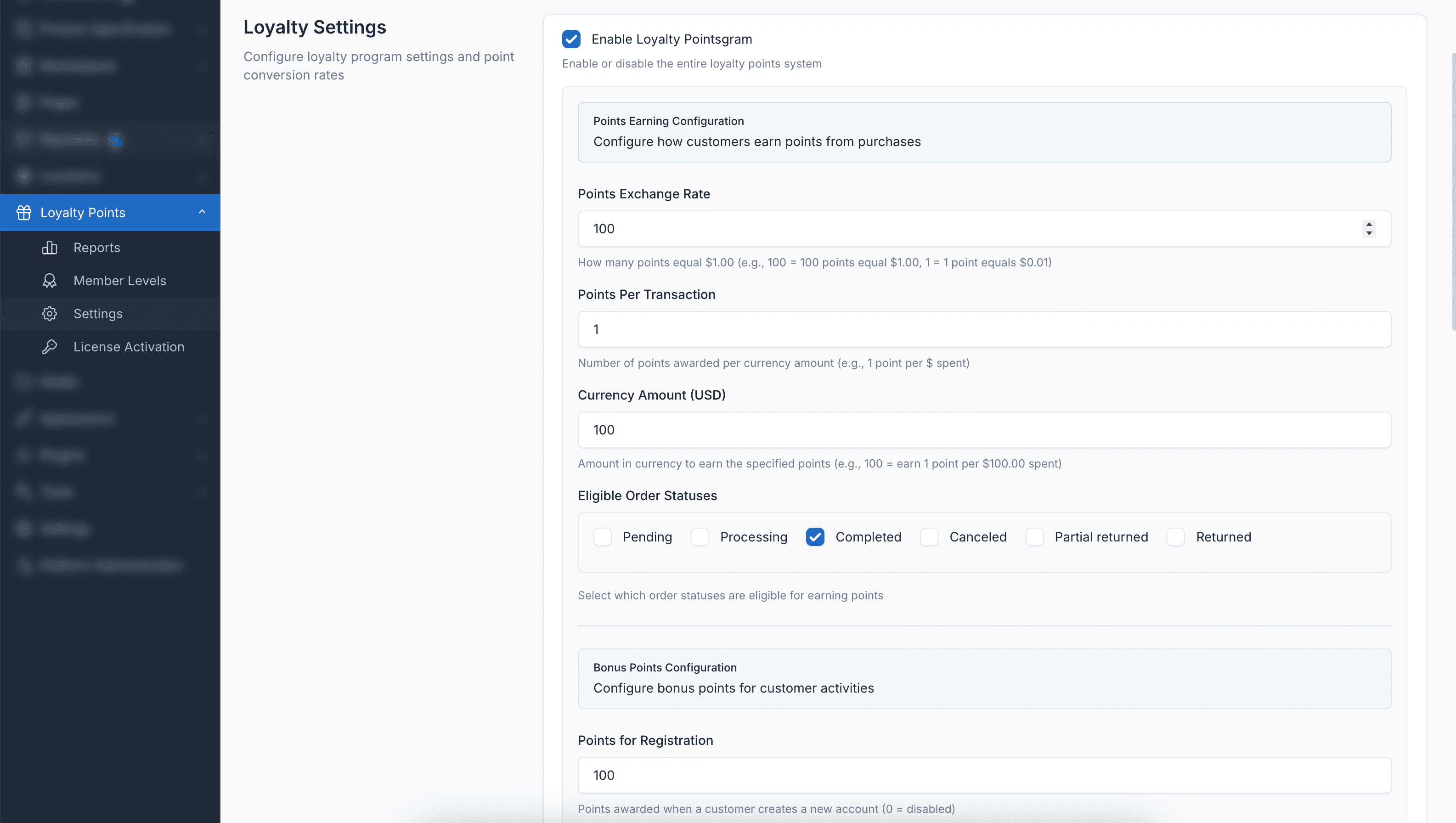
Settings & Configuration
Fully configurable settings including earning rates, redemption rates, minimum/maximum limits, points expiration, and more.
Plugin Features
Everything you need to run a successful loyalty points program
Flexible Configuration
Configure points per currency spent, minimum order amount, and redemption rates to match your business needs.
Points Expiration
Set expiration periods for points to encourage customers to return and make purchases.
Transaction History
Complete transaction log for both customers and administrators. Track all points earned and redeemed.
Order Cancellation Handling
Automatically deduct points when orders are cancelled or refunded to maintain accurate balances.
Checkout Integration
Seamless integration with checkout. Customers can easily apply points to reduce their order total.
Customer Dashboard
Customers can view their points balance, transaction history, and available rewards in their account.
Admin Management
Manually adjust customer points, view all transactions, and manage the loyalty program from admin panel.
Multi-language Support
Fully translatable with support for multiple languages and RTL layouts.
Multi-currency Compatible
Works seamlessly with multiple currencies. Points are calculated based on the base currency.
Fully Compatible
Loyalty Points plugin is fully compatible with Botble CMS and all e-commerce themes available on CodeCanyon.